

Squarespace and Website Strategy Blog
Stop floundering with your Squarespace website and instead learn to build a beautiful website that attracts the clients you serve best.
Drop your email below for simple, actionable website tips sent straight to your inbox.
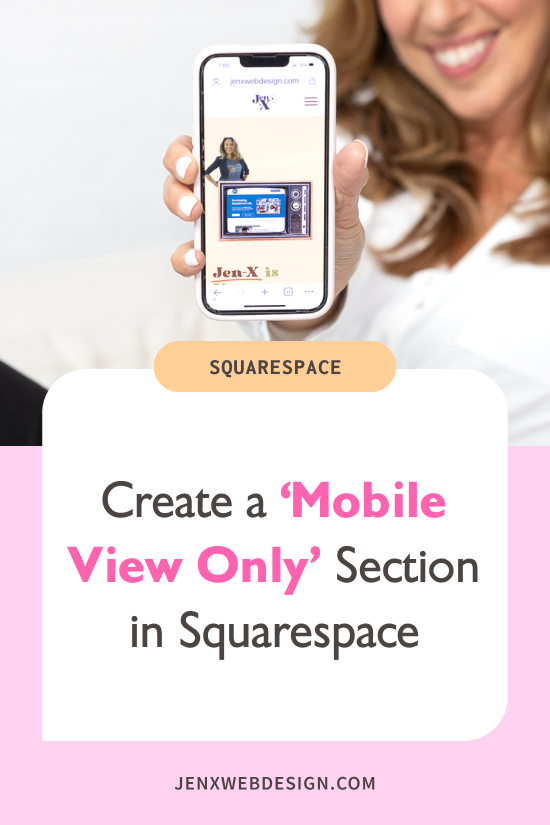
Create a 'Mobile View Only' Section in Squarespace
Customize the mobile version of your Squarespace website by creating a 'Mobile View Only' section with simple CSS and the Squarespace ID Finder Chrome extension
How to Hide Blocks and Sections On Mobile in Squarespace
Learn how to hide blocks and sections on mobile in Squarespace to improve the mobile responsiveness and design of your Squarespace website on mobile devices.

Create a Lead Generation Page in Squarespace for Your Freebie
Growing your email list can make you feel hopeless. Learn how to create and share a lead generation page on your Squarespace website to get more subscribers and grow your email list.
How to Create a Sidebar in Squarespace Using a Summary Block
Use a Squarespace summary block to create a sidebar that adds functionality, improves the user experience, and guides visitors to do what you want them to do most.
Customize Your Squarespace Blog Page Layout With Summary Blocks
Customize your Squarespace blog page with summary blocks to organize content, improve searchability for your visitors, and align with your visual brand.

How and Why to Remove the Site Title From Your Squarespace Blog Posts
Optimize your blog's appearance in SEO searches and social sharing and enhance user experience by eliminating your site title from your SEO blog post title.

How to Add a Google Review Widget to Your Squarespace Website With Elfsight
Easily embed a Google Review widget into your Squarespace website using Elfsight. Elevate user trust and engagement with authentic customer feedback, enhance your Squarespace website's credibility, and boost conversions.
How to Make a Summary Block Auto-Scroll in Squarespace
Learn how to create an auto-scrolling summary block in Squarespace 7.1, enhancing your website's visual appeal and captivating visitors. Discover the importance of keeping scrolling content non-clickable for a seamless browsing experience. Elevate your website's presentation with this step-by-step tutorial.