We’ve all experienced it. You click on a promises-to-be-helpful 2-page checklist, only to be met with an opt-in form that looks like a high-security mortgage application.
First name, last name, phone number, company size, annual revenue, job title, and "how did you hear about us?"
When you demand an interrogation-level amount of personal data in exchange for a simple freebie, prospective clients do what any sensible human does: they close the tab.
IN THIS POST YOU'LL LEARN:
Why excessive form fields create friction and destroy your opt-in conversion rates.
The psychological boundary between a "free download" and a high-friction discovery lead.
A simple rule of thumb for field counts based on what you’re offering.
How to gather deeper client insights later in the buyer journey without alienating warm traffic.
The Hidden Cost of Form Friction
Every additional field you put on an opt-in form acts as a speed bump for your visitor. While collecting phone numbers and business details feels like great data gathering for you, it feels like homework and a privacy risk for them.
When lead generation forms demand too much upfront, your conversion metrics suffer immediately:
Spike in Bounce Rates: Casual visitors looking for quick advice immediately abandon forms that require multi-step typing on mobile devices.
Fake Data Pollution: Demanding unnecessary phone numbers or full street addresses often leads to visitors typing test@test.com or fake phone numbers just to get the resource.
Erosion of Early Trust: High-friction forms make your brand feel corporate and pushy before you’ve even demonstrated value.
FAQ
Q1: Isn't asking for more fields a good way to filter out low-quality leads?
A1: For high-ticket consultation booking forms, yes. But for a free top-of-funnel resource like a PDF guide, strict filtering only starves your email list of real prospects who just need to see your expertise first.
Q2: What is the optimal number of fields for a standard lead magnet?
A2: One or two fields max—usually just First Name and Email Address. If the resource is short and actionable, asking for anything more drastically cuts your download rate.
A Strategic Framework for Low-Friction Lead Capture
Scaling back your lead magnet forms doesn't mean giving up on lead qualification—it means timing your questions strategically.
Follow these simple rules to keep your opt-in rates high while maintaining a qualified list:
Match Form Length to Offer Value: Ask for email-only for quick cheatsheets. Reserve 3 to 4 field questionnaires strictly for application-only services or booking pages.
Leverage Progressive Profiling: Use your email marketing software to collect secondary details (like industry or goals) through click tags in follow-up emails, rather than forcing it on the initial form.
Optimize for Mobile Typing: Ensure form inputs use auto-complete features and clean, large button styling so mobile users can subscribe in under five seconds.
FAQ
Q1: Should I ask for First Name on my lead magnet form, or just Email?
A1: Email-only yields the highest conversion rates. However, including First Name is fine if you like personalizing your welcome email subject lines—just don't make last names mandatory.
Q2: How can I collect qualifying details if my form only asks for an email?
A2: Ask a simple 1-question poll inside your welcome email (e.g., "Which of these best describes your current setup?"). When readers click an answer, tag them automatically in your email platform.
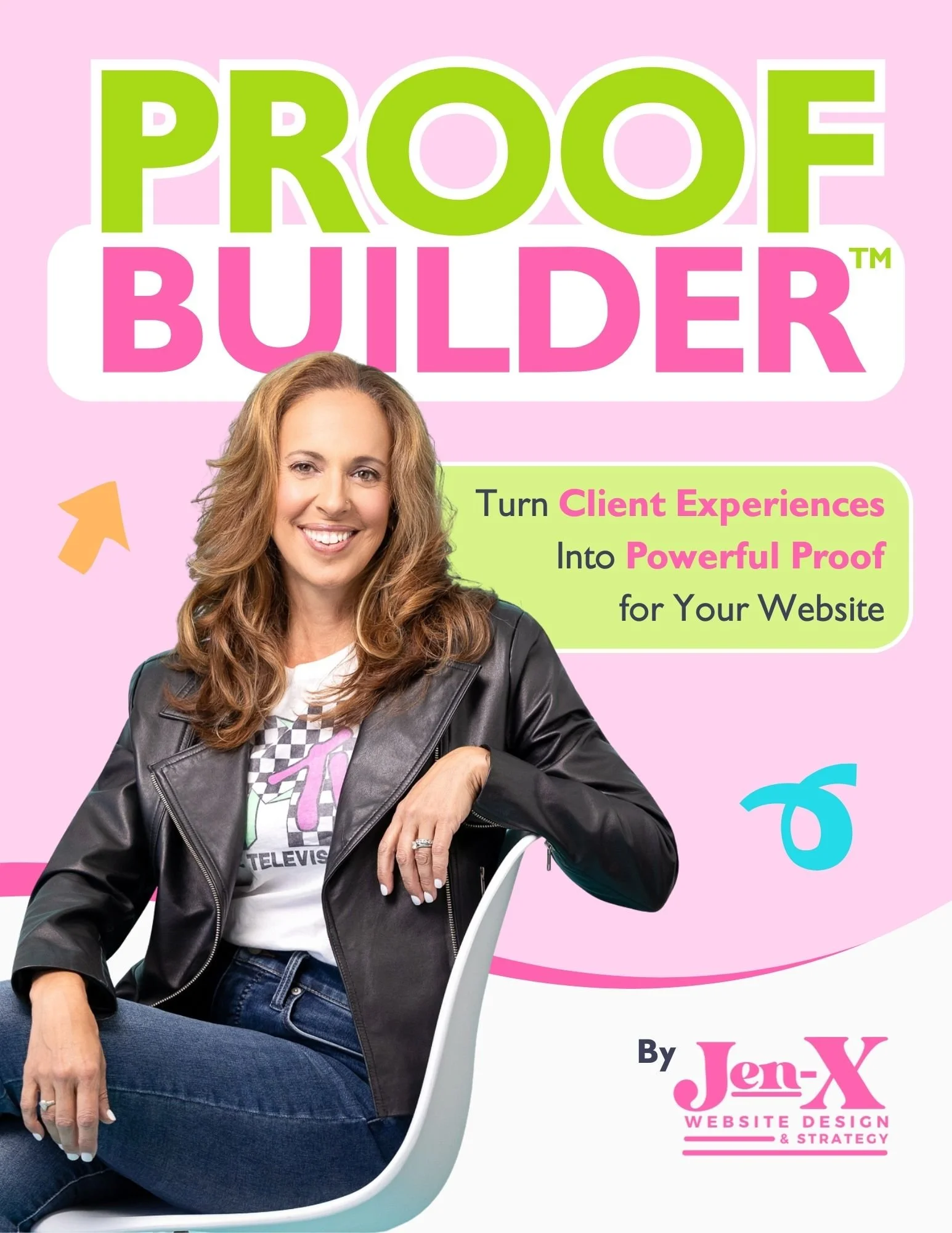
Most business owners know they should be collecting testimonials and client feedback, but they aren’t sure what to ask—or how to ask in a way that actually produces useful, credible proof. Vague requests lead to vague responses, and great client experiences often go undocumented.
That’s why I created Proof Builder—a strategic feedback system that shows you exactly what questions to ask, when to ask them, and how to turn real client responses into strong, trust-building testimonials.
Instead of awkward requests or unusable blurbs, you’ll walk away with clear, permission-based proof you can confidently use across your website and marketing.

Most business owners already have credibility—but their website doesn’t always show it. Some overlook authority they didn’t realize they had. Others know their expertise but struggle to communicate it clearly in a way visitors can quickly understand.
That’s why I created Authority Signals—a practical, fill-in-the-blank workbook that helps you uncover the authority you may be missing and clarify how to convey the authority you already know you have, using proven website signals like testimonials, statistics, credentials, logos, awards, and press.
Instead of guessing what to say or overloading your site, you’ll identify the proof that actually matters—so visitors can recognize your value quickly and feel confident choosing you.
Final Thoughts
Your lead magnet’s job isn't to close a sale on day one—it’s to start a conversation.
When you strip away invasive form fields and make downloading your resources effortless, you build immediate goodwill and open the door to genuine client relationships.
This page contains affiliate links