You spent weeks creating a brilliant template, a detailed workbook, or an on-demand video training. You built a dedicated shop page on your site, announced it once on Instagram, and waited for the sales notifications to roll in.
Silence.
Before you start questioning your pricing or assuming your offer is a flop, take a look at your site architecture. If your shop link is buried under a dropdown menu in the footer and missing from your main service pages, you didn't launch an online store—you built a digital ghost town.
IN THIS POST YOU'LL LEARN:
Why hiding digital products on standalone shop pages kills passive sales.
How friction-heavy checkout paths cause cart abandonment on service sites.
The strategic placement secret: contextual cross-linking on high-traffic pages.
How to streamline your Squarespace shop layout for maximum mobile conversion.

The “Hidden Shelf" Problem in Digital E-Commerce
The biggest mistake service providers make with digital products is treating their shop like an isolated island. You assume visitors will naturally wander over to your store tab out of curiosity, but modern web traffic rarely works that way.
When your digital products live in isolation, your revenue suffers from three core structural issues:
Zero Visibility on High-Traffic Pages: Most site visitors land directly on your homepage or blog articles. If those pages don't highlight your products, 90% of your audience will never know your shop exists.
Navigational Friction: Forcing a user to click through three separate menus just to view a $27 template creates unnecessary drop-off before they even see the sales page.
Mismatched Intent: Putting high-ticket services and low-ticket digital products in competing hero buttons confuses buyers about what step to take next.
FAQ
Q1: Should I put my shop page in my main header navigation?
A1: If digital products are a primary revenue driver, yes. If they are secondary to your high-ticket services, keep your main header focused on booking calls, but feature your products strategically inside relevant content and page sections.
Q2: Why are people visiting my shop page but leaving without buying?
A2: This usually points to a lack of clear mockups, missing social proof, or a checkout process that requires too many unnecessary steps (like demanding a physical shipping address for a digital file).
Contextual Placement: How to Sell Products Without Being Pushy
High-converting digital shops don't rely on massive banner ads. They win by placing the right product in front of the reader at the exact moment their interest is highest.
Follow these practical steps to bring your digital products out of hiding:
Embed Products Inside Relevant Blog Posts: If you write an article about website strategy, embed a clean callout block for your website planner template right in the middle of the post.
Use Soft Up-sells on Thank You Pages: When someone fills out a contact form or downloads a free resource, offer your low-ticket digital product right on the confirmation page while their attention is focused on your brand.
Streamline the Checkout Flow: Turn off physical address fields in your platform settings for digital items, enabling a fast 1-click checkout experience on mobile devices.
FAQ
Q1: Can I sell digital products on Squarespace without installing extra ecommerce plugins?
A1: Absolutely. Squarespace has robust native digital product blocks, automatic file delivery, and built-in payment integration (Stripe/PayPal) out of the box without needing external software.
Q2: How many digital products should I launch with?
A2: Start with one signature, highly specific resource that directly solves a problem for your ideal client. Master the sales architecture for one product before adding a full catalog.

Most business owners know they should be collecting testimonials and client feedback, but they aren’t sure what to ask—or how to ask in a way that actually produces useful, credible proof. Vague requests lead to vague responses, and great client experiences often go undocumented.
That’s why I created Proof Builder—a strategic feedback system that shows you exactly what questions to ask, when to ask them, and how to turn real client responses into strong, trust-building testimonials.
Instead of awkward requests or unusable blurbs, you’ll walk away with clear, permission-based proof you can confidently use across your website and marketing.
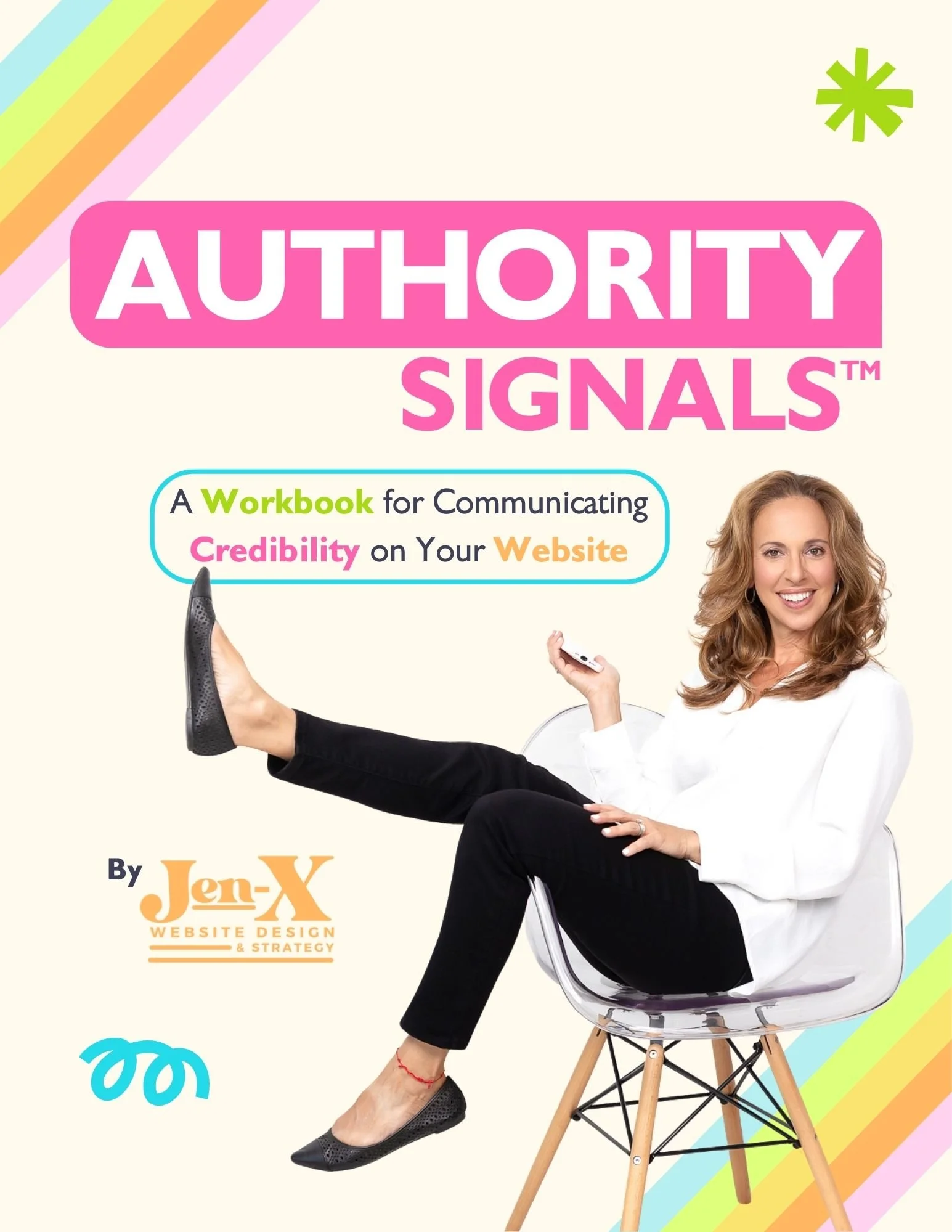
Most business owners already have credibility—but their website doesn’t always show it. Some overlook authority they didn’t realize they had. Others know their expertise but struggle to communicate it clearly in a way visitors can quickly understand.
That’s why I created Authority Signals—a practical, fill-in-the-blank workbook that helps you uncover the authority you may be missing and clarify how to convey the authority you already know you have, using proven website signals like testimonials, statistics, credentials, logos, awards, and press.
Instead of guessing what to say or overloading your site, you’ll identify the proof that actually matters—so visitors can recognize your value quickly and feel confident choosing you.
Final Thoughts
A quiet digital shop rarely means a bad product—it almost always means poor site placement and user friction.
When you integrate your digital offers naturally into your site's highest-traffic pathways, you make buying an effortless next step for your audience.
This page contains affiliate links