4 Pages for a Website You Think You Need But Don’t
When people think about pages for a website, they often start with a checklist. FAQ page. About page. Testimonials page. How It Works page. These pages feel required, largely because they’re common—not because they’re always useful.
The problem isn’t the information itself. It’s how that information gets separated, duplicated, and siloed into standalone pages, cluttering up your website’s navigation, diverting your visitor’s attention away from what it is you actually want them to do, and these pages are frankly…boring (yawn).
Most people don’t arrive at a website intending to explore every page. They land, scan, and decide.
This post takes a closer look at pages for a website that are often created out of habit rather than strategy—and why many of them work better when their content is folded into the pages where decisions actually happen.
IN THIS POST YOU'LL LEARN:
Why certain pages feel required even when they don’t add clarity
How extra pages contribute to decision fatigue and navigation clutter
Which commonly used pages rarely need to stand alone
Where this information works better when it’s included intentionally

Why So Many Pages Get Added in the First Place
Most websites end up with extra pages because people copy what they see elsewhere. If every other site has an FAQ page, a testimonials page, or a How It Works page, it feels risky not to have one too.
Over time, this leads to pages being added without a clear purpose. Information gets split up simply to fit a familiar structure, even when that structure doesn’t support how visitors actually move through a site.
There’s also a usability cost. Every additional page usually finds its way into the navigation. As menus grow, visitors are forced to slow down, scan more options, and make more choices before they ever reach the information they need. That friction creates decision fatigue and makes the site harder to use, increasing your website’s bounce rate.
When content is consolidated and placed intentionally, navigation becomes clearer and paths become easier to follow. I’ve written more about this in a separate post on optimizing your website’s navigation menu.
FAQ
Q1: Will fewer pages hurt SEO?
A1: Not usually. Search engines don’t reward you for having more pages. They reward clarity, relevance, and useful content. If you want to add more content for SEO, a blog is the better place to do it. Blogging allows you to publish relevant, in-depth content without cluttering your core pages or navigation.
Q2: How do I know when a page is unnecessary?
A2: If a page exists mainly because it’s common, and its content would work better on a page where someone is already deciding, it’s a good candidate to fold in.
The FAQ Page
FAQ pages are often added because they seem helpful or expected. The thinking is simple: gather every common question in one place so people can find answers when they need them.
In practice, standalone FAQ pages are rarely where decisions are made. Questions only matter in context. A pricing question means something different on a services page than it does on a homepage. A process question lands differently when someone is already considering working with you.
When FAQs live on their own page, they’re disconnected from the moment the question actually arises. Visitors either don’t find them or don’t bother clicking. The result is extra pages for a website that don’t meaningfully improve clarity.
FAQs tend to work better when they appear:
On the homepage, when they address common hesitation early
On services pages, where questions relate directly to an offer
On sales pages, when answers help someone move closer to a decision
Placing questions where they naturally come up keeps your site focused and reduces the need for additional pages for a website that exist only out of habit.
FAQ
Q1: Won’t people look for an FAQ page?
A1: Some visitors may expect answers, but they rarely go hunting for a separate FAQ page. Most questions surface while someone is reading a homepage, services page, or sales page, which is where answers are most useful.
Q2: How many FAQs should I include on a page?
A2: Only the questions that help someone move forward. If a question doesn’t support understanding or decision-making in that moment, it probably doesn’t belong on the page.
The Testimonials Page
Testimonials are meant to reduce risk. They help visitors feel confident that someone else has been in their position and had a good experience. The issue isn’t with testimonials themselves—it’s with isolating them on a page that few people actively seek out.
Proof is most effective when it appears next to the claim it supports. A testimonial about results belongs near a description of that service. A quote about working style belongs near an explanation of process. When testimonials live on a standalone page, they lose context and urgency.
In most cases, a testimonials page becomes a graveyard of good content that doesn’t influence decisions because it’s separated from the moment trust actually needs to be built.
Testimonials tend to work better when they’re placed:
On the homepage, to establish credibility quickly
On services pages, tied directly to the outcome being promised
On sales pages, when reassurance matters most
FAQ
Q1: But don’t people expect to see a testimonials page?
A1: Some people expect to see proof, but that doesn’t mean they expect a dedicated page. Most visitors don’t go looking for testimonials—they notice them when they appear in the right place.
Q2: Is it okay to include a photo with a testimonial?
A2: Yes. This is one of the best ways to display a testimonial because it adds credibility and context. Just be sure you have express permission to use someone’s photo—ideally in writing—before publishing it on your website.
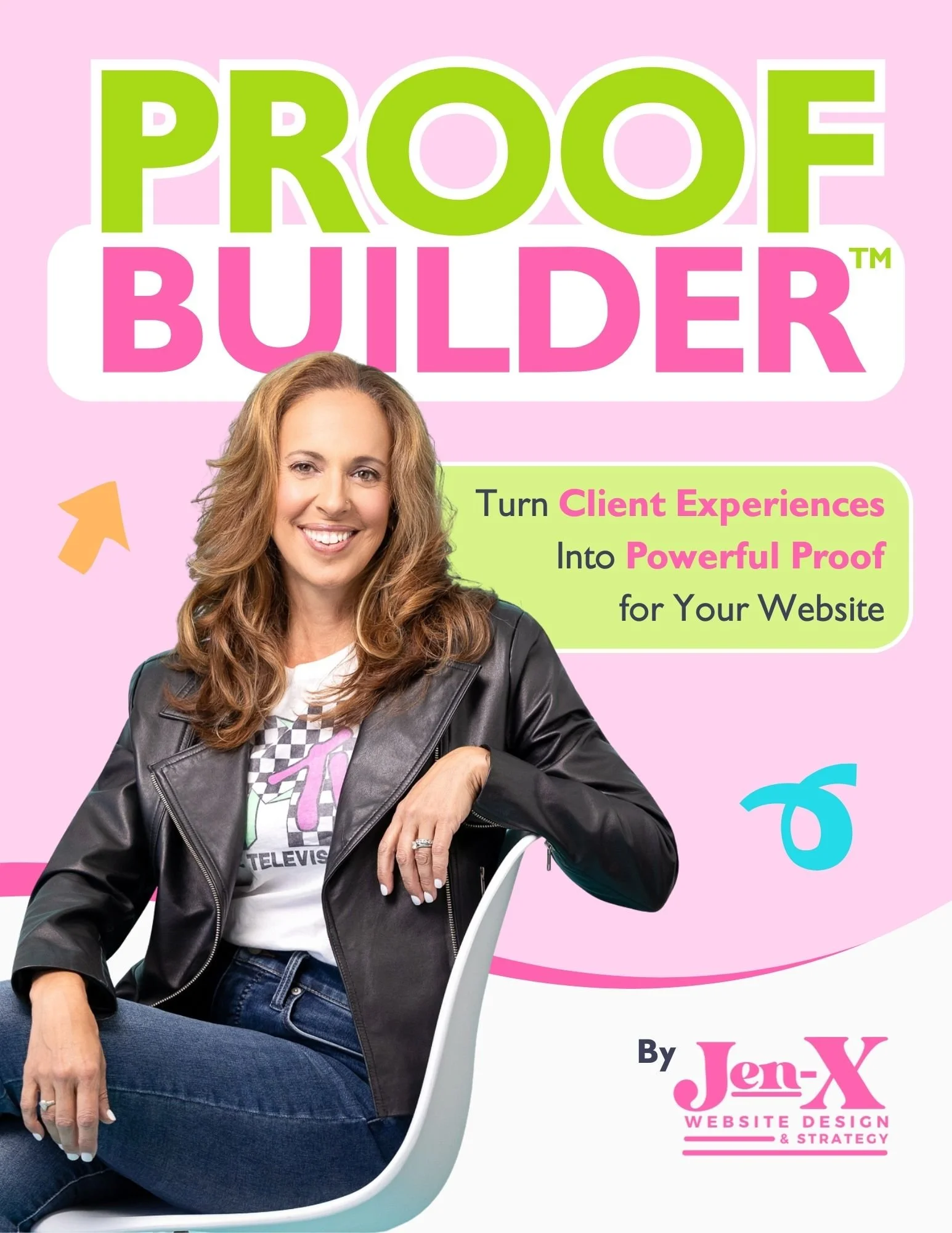
Most business owners know they should be collecting testimonials and client feedback, but they aren’t sure what to ask—or how to ask in a way that actually produces useful, credible proof. Vague requests lead to vague responses, and great client experiences often go undocumented.
That’s why I created Proof Builder—a strategic feedback system that shows you exactly what questions to ask, when to ask them, and how to turn real client responses into strong, trust-building testimonials.
Instead of awkward requests or unusable blurbs, you’ll walk away with clear, permission-based proof you can confidently use across your website and marketing.
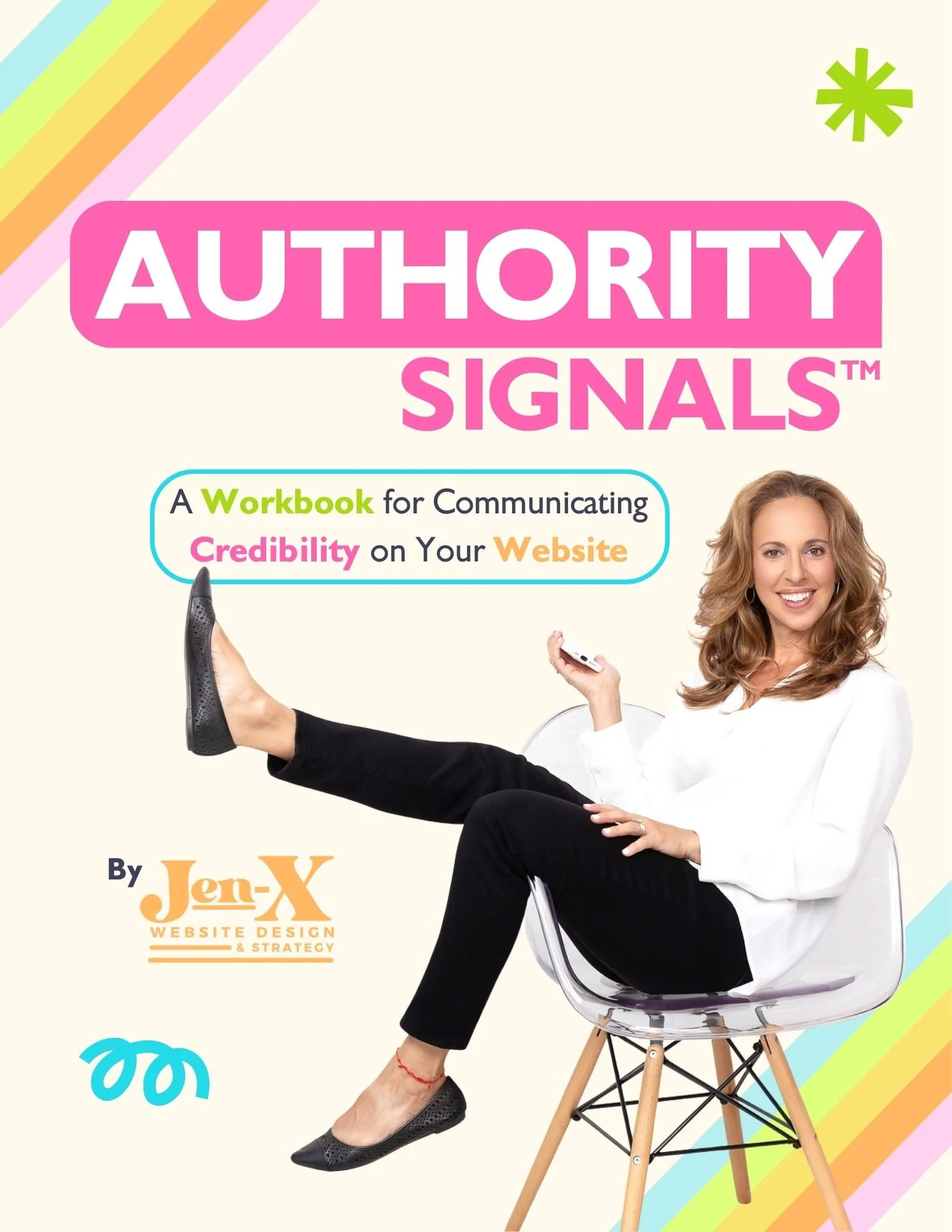
Most business owners already have credibility—but their website doesn’t always show it. Some overlook authority they didn’t realize they had. Others know their expertise but struggle to communicate it clearly in a way visitors can quickly understand.
That’s why I created Authority Signals—a practical, fill-in-the-blank workbook that helps you uncover the authority you may be missing and clarify how to convey the authority you already know you have, using proven website signals like testimonials, statistics, credentials, logos, awards, and press.
Instead of guessing what to say or overloading your site, you’ll identify the proof that actually matters—so visitors can recognize your value quickly and feel confident choosing you.
The About Page
About pages often exist because people assume they’re required. In reality, most visitors aren’t looking for a biography. They’re looking for reassurance that you understand their problem and can help solve it.
When About content is separated into its own page, it often becomes overly detailed and self-focused. Long career histories, personal backstory, and credentials can distract from the question visitors are actually asking: Is this the right person or business for me?
In many cases, About content works better as a section rather than a destination. A short, purposeful introduction on the homepage or services pages gives visitors what they need without asking them to click away.
There are exceptions, and I’ve written more about them in my post on why you shouldn’t have an About page on your website, which you can link to here.
FAQ
Q1: Won’t removing an About page hurt trust?
A1: Trust comes from relevance and context. Visitors want to see that you understand their problem and can help solve it. When experience, credentials, and perspective appear on pages where decisions are already being made—such as the homepage or services pages—they are more likely to be noticed and understood.
Q2: What information should About content actually include?
A2: Enough to establish credibility and alignment. Anything that doesn’t serve that purpose can usually be removed or shortened.
The “How It Works” Page
“How It Works” pages are usually created with good intentions. People want to explain their process and set expectations. The problem is that process, on its own, doesn’t mean much without an offer attached to it.
When process explanations live on a standalone page, they often feel abstract. Visitors have to work to connect the dots between the steps and what those steps mean for them.
Process information is more useful when it’s tied directly to a service. Explaining how you work makes sense when someone is already considering that specific offer and wants to understand what happens next.
How process information works best:
Integrated into services pages
Placed near calls to action
Explained in relation to outcomes, not just steps
FAQ
Q1: Don’t people want to understand the process before contacting me?
A1: Yes, but they want to understand it in context. Process information is easier to absorb when it’s connected to a specific service or decision.
Q2: Is it okay to remove a “How It Works” page entirely?
A2: If the information still exists where it’s needed, removing the standalone page usually improves clarity rather than reducing it.

Final Thought
The goal isn’t to strip your website down for the sake of simplicity. It’s to make sure every page earns its place by helping someone understand what you offer and decide what to do next. When information is embedded where it naturally belongs, your site becomes easier to navigate, easier to understand, and easier to trust.
If you want help structuring your pages this way—without overthinking it—the Heart-Centered Website Strategy Kit walks you through how to organize content, clarify page roles, and build a site that supports real decisions. It’s designed to help you make thoughtful choices about what belongs on your website, and where.
This page contains affiliate links