Is a Free AI Web Designer Really Free?
“AI web designer free” has turned into one of the more searched phrases in my industry this year, and I understand exactly why. Paying a stranger thousands of dollars for a website has always felt like a leap of faith. An AI tool that promises a finished site in an afternoon, for nothing, sounds like the leap you don't have to take.
So I want to actually answer the question behind that search, instead of telling you what you want to hear or what scares you into hiring someone. The honest answer isn't “these tools are great” or “these tools are a trap.” It's more specific than that, and it depends entirely on what you need your website to do for you right now.
IN THIS POST YOU'LL LEARN:
What “free” actually means across the popular AI website builders, because it's not the same thing on every platform
Why an AI-generated site can look completely professional and still fail to bring in business
The one thing no AI tool can do for you, no matter how good your prompt is
How to tell whether a free AI web designer is genuinely enough for where your business is right now
“Free” Doesn't Always Mean What You Think It Means
Before you spend a Saturday on this, it's worth knowing that the AI website builders showing up in your search results aren't offering the same deal. Wix lets you build and publish a site on its free plan, AI tools included, though you're on a wixsite.com subdomain with Wix branding attached and no e-commerce. GoDaddy's Airo will let you build one for free, but you can't actually publish it until you pay. Squarespace's trial gives you 14 days with its AI builder, but the site stays private the entire time. It can't go live, and search engines can't index it, until you subscribe. Others, like Hostinger, are paid from the start with a short trial attached.
None of that makes any of these tools bad. It just means the phrase “free AI web designer” is doing a lot of marketing work, and the fine print matters more than the headline. Read it before you sink a weekend into building something you'll have to pay to actually launch.
FAQ
Q1: What does “free AI web designer” actually mean?
A1: It depends entirely on the platform. Some let you build and publish at no cost. Others let you build for free but charge you the moment you want the site to go live, or only offer a free trial rather than a permanent free tier. Always check whether “free” covers publishing, not just building.
Q2: Which AI website builders are actually free to publish?
A2: Wix is the most commonly cited example of a builder that lets you both build and publish on its free tier, though you're limited to their branded subdomain rather than your own domain. Most others attach some kind of paywall either at launch or after a trial period, so it's worth confirming before you commit your time.
It Looks Professional. That's Not the Same as Looking Like You.
Here's what nobody tells you before you start prompting: every AI web designer is pulling from the same limited set of layouts, color logic, and section patterns. That's not a flaw exactly, it's how the tool works. But it means thousands of small businesses are publishing sites built from the same handful of templates this year, and the ones that skip customization tend to start looking like each other. Salesforce's own customer research backs up why that matters: 73% of customers, business buyers included, say they expect companies to understand their specific needs rather than treat them like everyone else. A template that hasn't been shaped around your actual business is working against that expectation before a single visitor reads a word.
A site can be technically well-built and still feel like it belongs to no one in particular. That's the trap. It doesn't look broken, so you don't go looking for what's wrong.
FAQ
Q1: Why do AI-built websites all start to look similar?
A1: Because the AI is generating from a template library, not designing from scratch. Without deliberate customization, sites built on the same platform tend to converge on the same layouts, section order, and visual choices.
Q2: Does that actually matter if my site still looks nice?
A2: It matters more than it seems like it should, because trust is built partly on the feeling that a business understands its specific customer. A visually clean site that feels interchangeable with ten competitors doesn't build that feeling, even if nothing about it looks unprofessional.
The Words Read Fine. They're Not Saying Anything.
Most AI web designers write your copy for you as part of the build, and on a sentence level, it's usually clean. Grammatically correct, no typos, reads like a real business wrote it. The problem shows up a level deeper than grammar. AI-generated copy tends to describe what a business does in general terms, because that's what it has to work with, and general terms don't move anyone to actually reach out. There's also a quieter risk worth knowing about: unedited AI text can read as exactly that to search engines, which is not the reputation you want your homepage to have before it's even had a chance.
If you read your AI-built homepage back and it sounds like it could describe a dozen businesses in your industry, that's not a you problem. That's what happens when nobody tells the tool what makes your business different, because the tool has no way of knowing that on its own.
FAQ
Q1: Can I just use the AI-written copy as-is?
A1: You can, and a lot of people do. The results usually read fine and say very little, because generic input produces generic output. If your business has anything about it that isn't generic, which is almost always true, that nuance won't show up unless you or someone else puts it there.
Q2: Will Google penalize AI-generated website content?
A2: Search engines are more focused on whether content is genuinely useful than on who or what wrote it, but unedited, generic AI text tends to fail that usefulness test on its own, which can hurt visibility indirectly. Editing it into something specific and real is the safer move either way.
Nobody Told It What Your Customer Needs to Feel
This is the part that's easy to miss because it doesn't show up as an error message. A website converts when it addresses a visitor's doubts in the right order, before asking them to do anything. Where the proof goes. When to introduce pricing. What needs to be said before someone will trust you enough to hand over their email address, let alone their money. An AI web designer can place a testimonial block on your page. It has no idea that the testimonial needs to sit right where your visitor's biggest hesitation shows up, because nobody told it what that hesitation is.
That's not a criticism of the tool. It's not what the tool is for. A free AI web designer can hand you a page. It can't hand you a strategy for turning a stranger into a customer, because that strategy has to come from someone who understands your specific audience, and right now, that's still a person's job.
FAQ
Q1: Why isn't my AI-built site converting if it looks fine?
A1: Because looking professional and being persuasive are two different things. Conversion depends on the order information appears in and whether it addresses what your visitor is actually unsure about. An AI tool has no way to know what that is unless someone tells it.
Q2: What's actually missing that a strategist would add?
A2: Sequence, mostly. Knowing what a nervous first-time visitor needs to see first, second, and third, and making sure proof, pricing, and credibility show up in that order rather than wherever a template happens to place them.
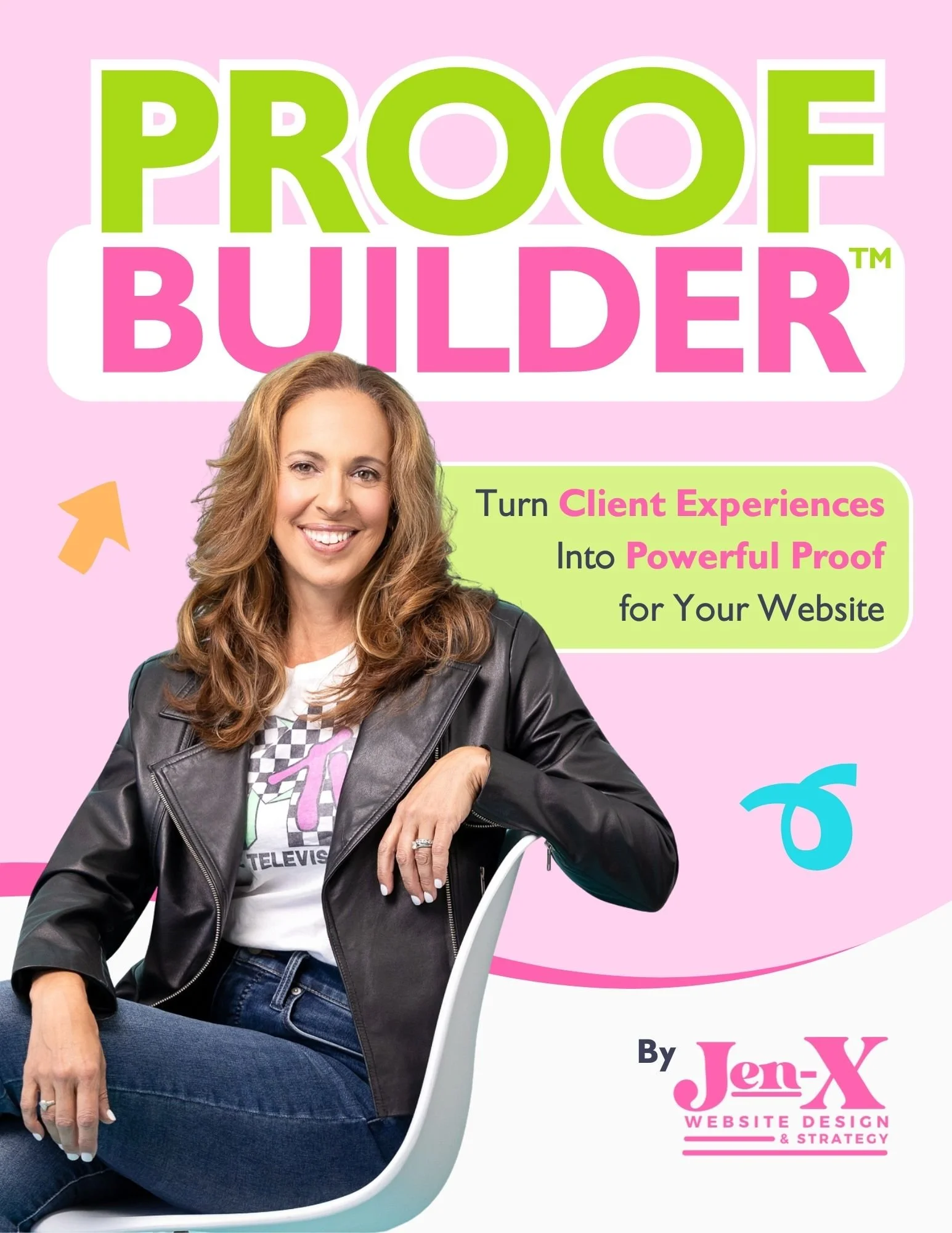
Most business owners know they should be collecting testimonials and client feedback, but they aren’t sure what to ask—or how to ask in a way that actually produces useful, credible proof. Vague requests lead to vague responses, and great client experiences often go undocumented.
That’s why I created Proof Builder—a strategic feedback system that shows you exactly what questions to ask, when to ask them, and how to turn real client responses into strong, trust-building testimonials.
Instead of awkward requests or unusable blurbs, you’ll walk away with clear, permission-based proof you can confidently use across your website and marketing.
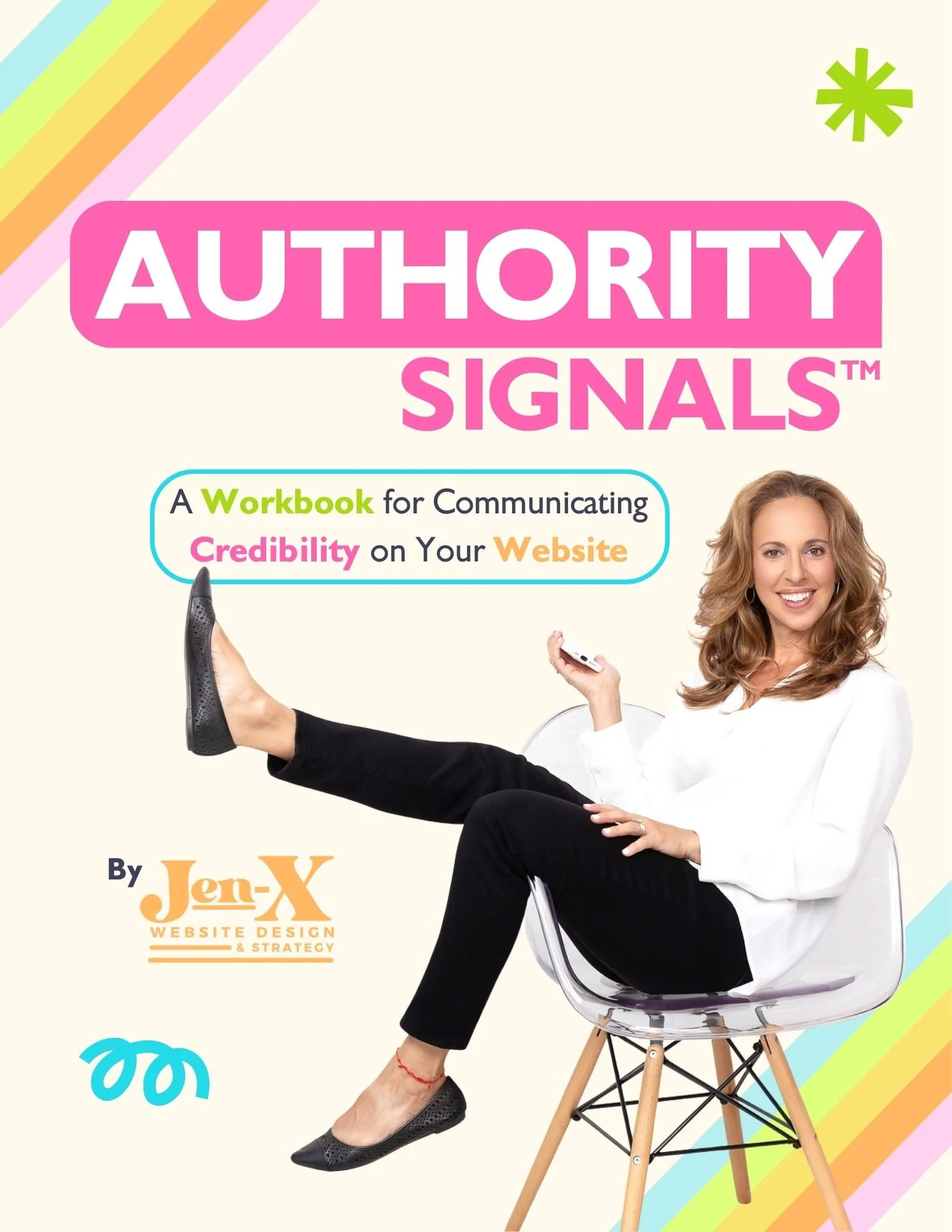
Most business owners already have credibility—but their website doesn’t always show it. Some overlook authority they didn’t realize they had. Others know their expertise but struggle to communicate it clearly in a way visitors can quickly understand.
That’s why I created Authority Signals—a practical, fill-in-the-blank workbook that helps you uncover the authority you may be missing and clarify how to convey the authority you already know you have, using proven website signals like testimonials, statistics, credentials, logos, awards, and press.
Instead of guessing what to say or overloading your site, you’ll identify the proof that actually matters—so visitors can recognize your value quickly and feel confident choosing you.
When a Free AI Web Designer Is Exactly the Right Call
I want to be fair here, because none of this means these tools are a waste of time. A free AI web designer is often exactly the right tool when:
You're testing whether a business idea has legs before you invest real money in it
You need a placeholder live while you figure out your actual offer and messaging
You want something up now while you save toward a more strategic build
You're putting together a portfolio, a personal project, or a one-off page that was never meant to generate leads
In any of those cases, use it. It's genuinely good at getting something on the internet fast, and fast has real value at that stage.
Where it stops being enough is the moment your website's job changes from “exist” to “bring in business,” because that's a different job entirely, and it takes more than a prompt to do it well.
FAQ
Q1: Is it ever fine to just use a free AI web designer and stop there?
A1: For a very early-stage idea, a temporary placeholder, or a low-stakes side project, yes. The risk isn't in using the tool. It's in mistaking “it's live” for “it's working,” once your business has outgrown that stage.
Q2: How do I know when it's time to move past the free version?
A2: Usually when you notice traffic without inquiries, or you realize you can't explain why someone should choose you over the next search result. That's less an AI problem than a strategy problem, and it's the same signal that shows up when any DIY website stops keeping up with the business behind it.
Final Thoughts
A free AI web designer isn't a shortcut you should feel guilty about taking. It's a genuinely useful tool for getting something live quickly, and for a lot of businesses at an early stage, that's all a website needs to do for a while.
But if you've moved past that stage and your site still isn't bringing in the business you need it to, the fix usually isn't a better prompt. It's the strategy the prompt was never going to give you: the structure, the sequencing, the specific words that make a stranger trust you enough to reach out.
That's exactly the gap SiteCare Studio exists to close, not by talking you out of the tools you've already used, but by bringing the strategy and structure that turns a website that's live into one that's actually working.
This page contains affiliate links