How to Know When It's Time to Ditch Your DIY Website
Every few weeks, I get a message that starts almost the same way.
“I built my own website a while back, and it was fine at first, but…”
Then comes the rest of the sentence. It's not bringing in leads the way it used to. They're not sure what to change. They've stopped updating it because they don't know what would even help. Or they just have a nagging feeling that it isn't pulling its weight anymore.
I want to be clear about something up front: DIY websites aren't the problem. Modern site builders have made the actual construction genuinely easy. Anyone can drag a photo into place and write a headline. For plenty of businesses, especially in the early days, building it yourself is exactly the right call.
But “I built it myself” and “it's still working for me” are two different claims. One is about how the site got made. The other is about whether it's still doing its job. Somewhere along the way, those two things quietly come apart for almost every DIY site owner — and most people don't notice until they've already lost business because of it.
So how do you know when you've crossed that line?
IN THIS POST YOU'LL LEARN:
The signs your DIY website has stopped keeping up with your business.
Why “it still looks fine” isn't the same as “it's still working.”
What usually breaks first, and why you might not notice.
How to tell the difference between a quick tweak and a sign it's time for help.
Your Business Has Changed, and Your Website Hasn't Caught Up
Businesses evolve. You refine your services, narrow your niche, raise your prices, or finally figure out how to explain what you do in a way people actually understand. Your website doesn't do any of that automatically.
If your site still describes services you no longer offer, still uses pricing or packages you've since changed, or still sounds like it was written by someone earlier in their business than you are today, that's not a small cosmetic issue. It means the first impression people get of your business is a slightly outdated one — and they have no way of knowing that.
FAQ
Q1: How do I know if my messaging is out of date?
A1: Read your homepage as if you were a stranger. If it doesn't reflect how you'd describe your business in conversation today, it's out of date — even if it was accurate two years ago.
Q2: Does this mean I need a full redesign?
A2: Not necessarily. Sometimes the layout and design are still fine, and it's the content and messaging that need to catch up. That's a much smaller project than starting over.
You Can't Find Yourself on Google
This is the one most DIY site owners don't realize until someone points it out. Building a page is easy. Getting that page found is a different skill entirely — keyword research, page structure, image alt text, and getting the site properly indexed all happen behind the scenes, and none of it happens automatically just because a site is live.
A beautiful website that nobody can find isn't really doing its job. If you search for your own services and can't find yourself, potential customers can't either.
FAQ
Q1: Why doesn't my DIY website show up in search results?
A1: Usually because the SEO groundwork — keyword research, page titles, descriptions, and indexing — was never done. Site builders make pages easy to publish, but they don't make them easy to find.
Q2: Can I fix SEO myself?
A2: Some of it, yes, with time and research. The harder part is knowing which keywords are actually worth targeting and how to structure a site around them, which is where most DIY efforts stall out.
You're Getting Visitors, but Nobody's Reaching Out
Traffic and leads aren't the same thing, even though it's easy to assume they are. A site can look completely professional and still fail to move a visitor from “browsing” to “reaching out,” because that takes more than clean design. It takes a page built around what your visitor needs to know, in the order they need to know it, before they trust you enough to take the next step.
If people are landing on your site and leaving without contacting you, the problem usually isn't how it looks. It's that nothing on the page is actually walking them toward a decision.
FAQ
Q1: What's the difference between traffic and leads?
A1: Traffic is people arriving. Leads are people deciding to take the next step — filling out a form, booking a call, sending an email. A site can have plenty of one and almost none of the other.
Q2: If my site looks professional, why isn't it converting?
A2: Because conversion is a strategy problem, not a design problem. It depends on whether the page addresses your visitor's doubts and questions in the right order, not on how polished it looks.

You've Started Feeling a Little Embarrassed to Send People There
Pay attention to this one. If you hesitate before texting someone your own website link, or you find yourself explaining it away — “I know it needs work” — before anyone's even seen it, that instinct is worth listening to.
A website becomes stale the same way anything does: by not being touched. It's rarely a sign that the business behind it is doing poorly. More often, it's a sign the business has simply outgrown the site.
FAQ
Q1: Is it normal to feel this way about my own website?
A1: Very. It's one of the most common things I hear from business owners, and it's usually a more reliable signal than any traffic report.
Q2: What if I just need a few updates instead of starting over?
A2: That's often exactly what's needed. Feeling embarrassed by your site doesn't automatically mean a full rebuild — sometimes updated content and a fresh coat of strategy solve it.
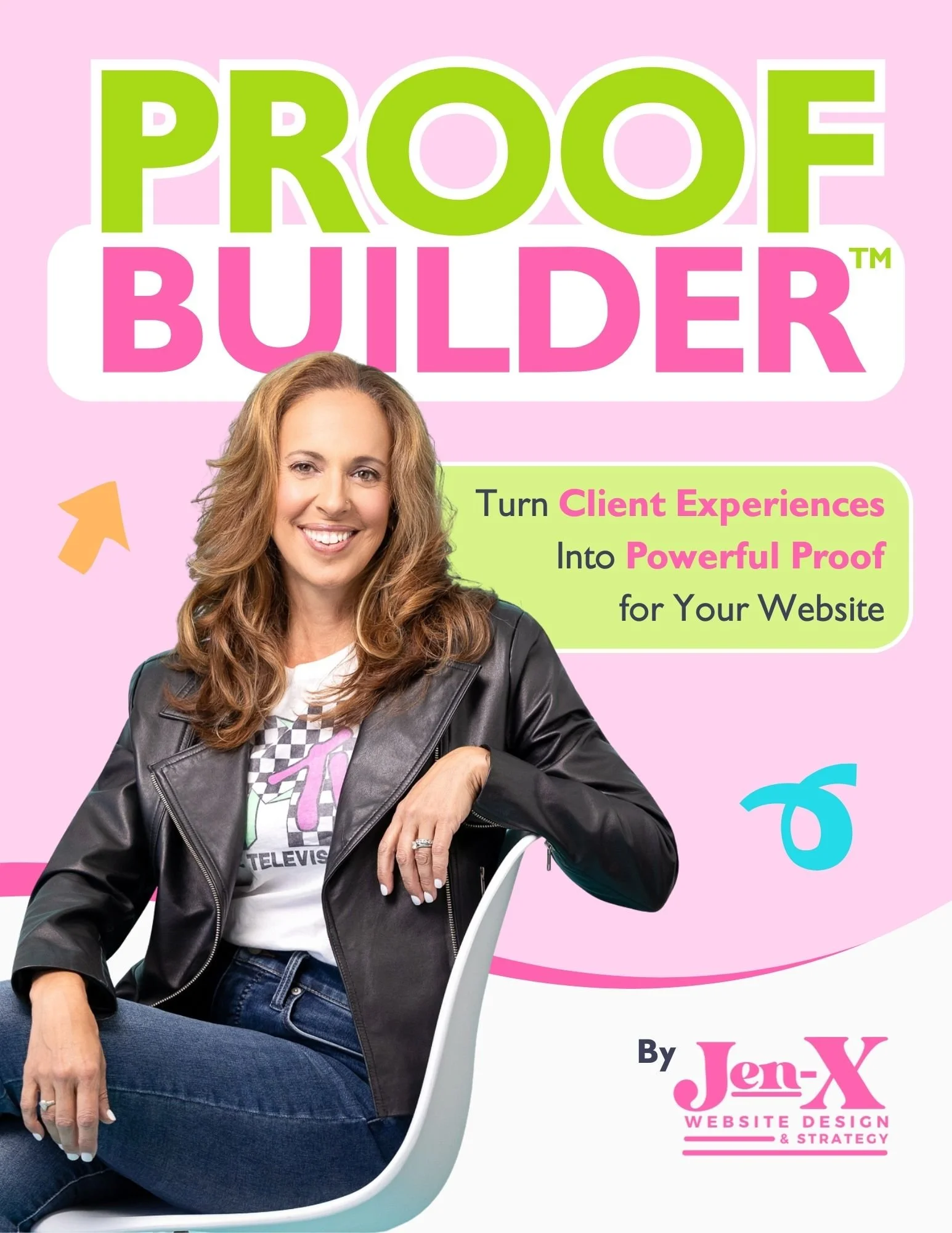
Most business owners know they should be collecting testimonials and client feedback, but they aren’t sure what to ask—or how to ask in a way that actually produces useful, credible proof. Vague requests lead to vague responses, and great client experiences often go undocumented.
That’s why I created Proof Builder—a strategic feedback system that shows you exactly what questions to ask, when to ask them, and how to turn real client responses into strong, trust-building testimonials.
Instead of awkward requests or unusable blurbs, you’ll walk away with clear, permission-based proof you can confidently use across your website and marketing.
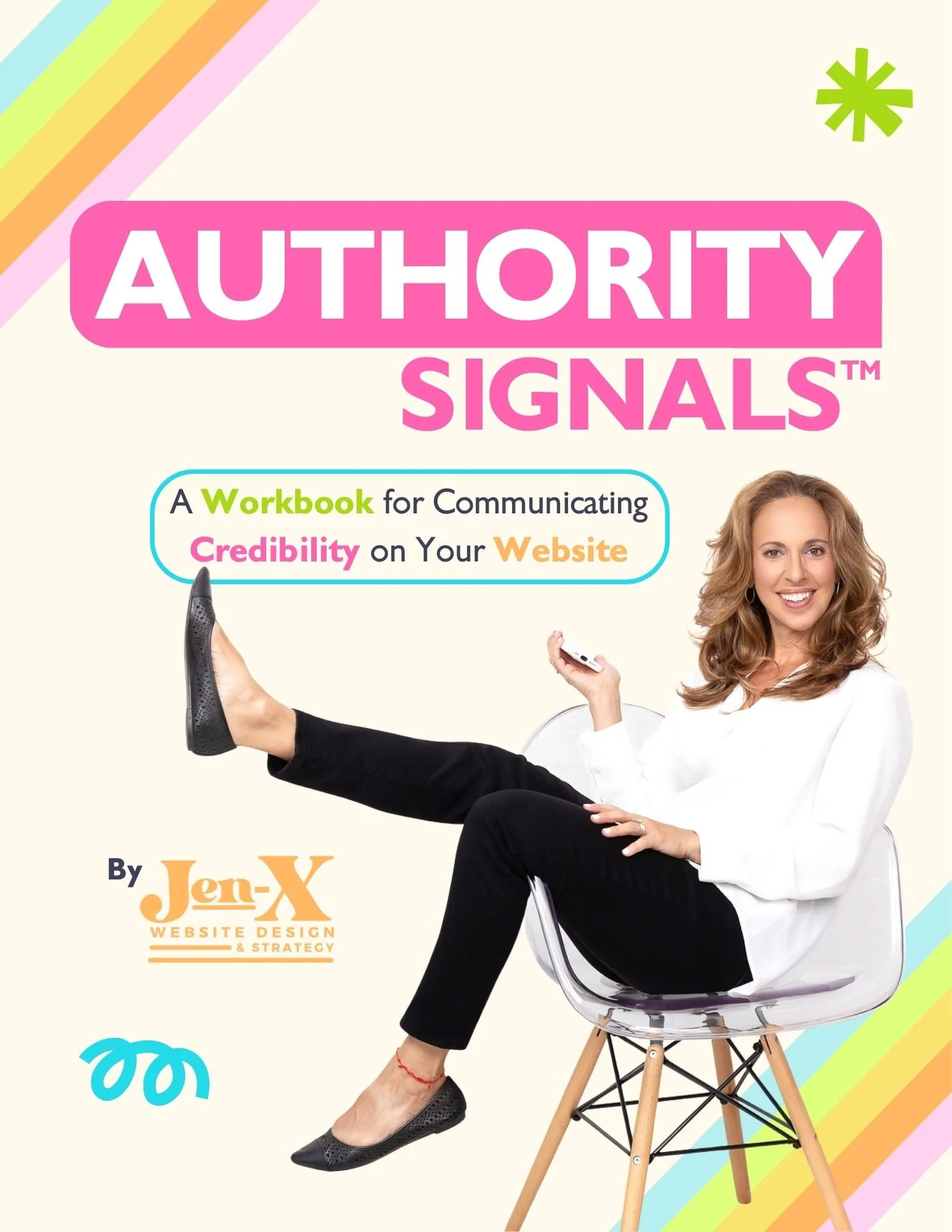
Most business owners already have credibility—but their website doesn’t always show it. Some overlook authority they didn’t realize they had. Others know their expertise but struggle to communicate it clearly in a way visitors can quickly understand.
That’s why I created Authority Signals—a practical, fill-in-the-blank workbook that helps you uncover the authority you may be missing and clarify how to convey the authority you already know you have, using proven website signals like testimonials, statistics, credentials, logos, awards, and press.
Instead of guessing what to say or overloading your site, you’ll identify the proof that actually matters—so visitors can recognize your value quickly and feel confident choosing you.
Every Update Feels Like Troubleshooting Instead of Building
There's a difference between spending time improving your website and spending time fighting it. If every change turns into a Google search, a support ticket, or an afternoon lost figuring out why something broke, that's time being taken away from your actual business — and it adds up faster than people expect.
A website should get easier to manage over time, not harder. If yours has gone the other direction, that's worth paying attention to.
FAQ
Q1: Is this a platform problem or a strategy problem?
A1: It can be either, but the fix is usually the same: someone who already knows how the pieces fit together can save you the hours you're currently spending figuring it out yourself.
Q2: How do I know if it's worth hiring help versus learning more myself?
A2: Ask what your time is worth. If the hours you're spending troubleshooting cost more than hiring it out, that's your answer.
You Used AI to Fill in the Gaps, and It Still Doesn't Sound Right
A lot of DIY site owners have started leaning on AI to write the copy they don't have time to write themselves. That's not a bad instinct — AI can absolutely help. But AI doesn't know your specific audience, and it doesn't know what a nervous first-time visitor needs to feel before they trust you enough to buy. It can produce a paragraph. It has no idea where that paragraph needs to go, or why.
If your site reads fine sentence by sentence but still isn't bringing in business, that's usually not an AI problem. It's a structure problem — the same one it would be if a person had written every word.
FAQ
Q1: Why does my AI-written copy read fine but not perform well?
A1: Because reading fine and doing its job aren't the same thing. AI can write clean sentences, but it needs direction on what your audience needs to feel and in what order — direction most business owners don't know how to give it yet.
Q2: Should I stop using AI on my website?
A2: Not necessarily. It's a useful tool when someone tells it what to prioritize. The gap isn't the tool — it's the strategy behind it.

Final Thoughts
None of these signs mean you made a mistake by building your own website. Most of the time, it means the opposite — your business grew past what that site was ever built to do.
A DIY website is often exactly the right starting point. It just isn't always the right ending point. If you're recognizing more than one or two of these signs, that's usually less about a website problem and more about a business that's ready for something more strategic than it started with.
That's the gap SiteCare Studio was built to close — not by starting over, but by bringing strategy, content, and structure to a website that's already got good bones. Learn how SiteCare Studio can elevate your website →
This page contains affiliate links